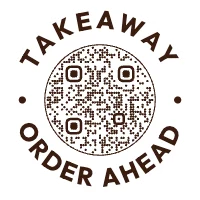
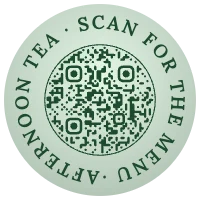
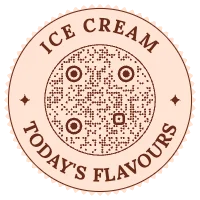
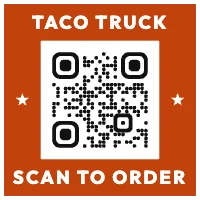
QR code templates, ready to make your own.
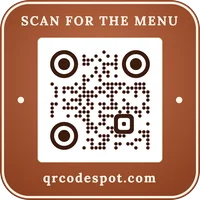
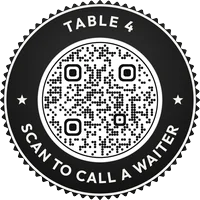
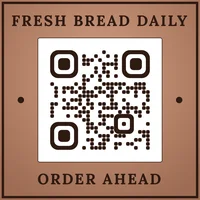
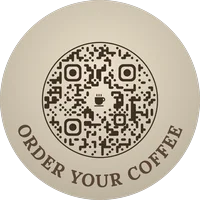
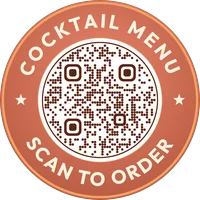
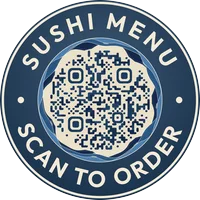
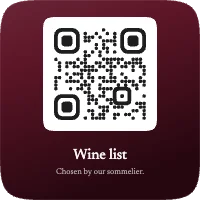
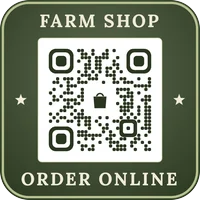
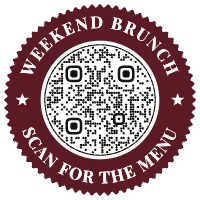
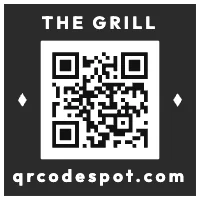
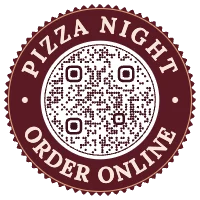
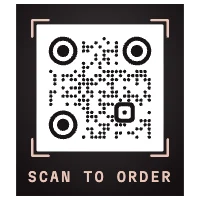
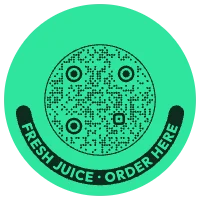
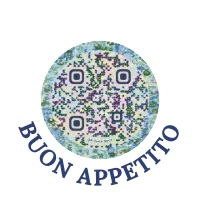
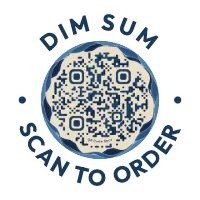
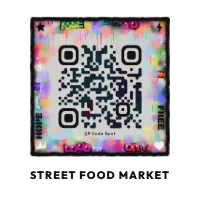
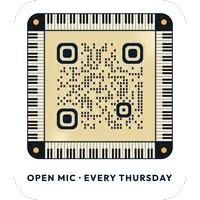
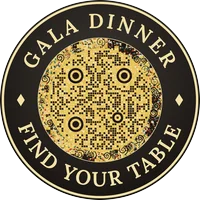
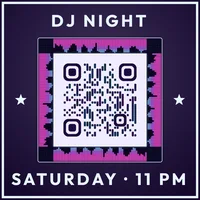
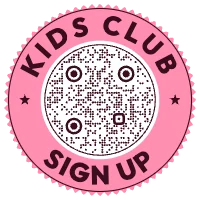
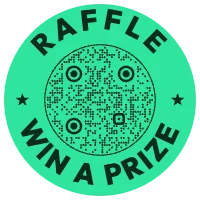
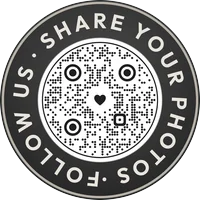
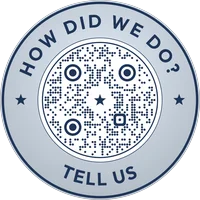
121 designs for the codes people print most. Pick one, change every word, colour and font in QR Studio, and save the look as your own style for the next code.
Food & drink



Hotels & travel

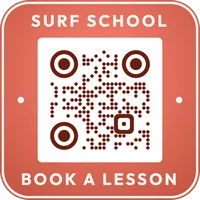

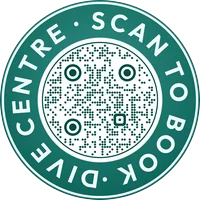
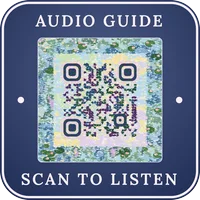
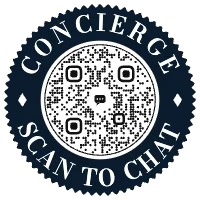

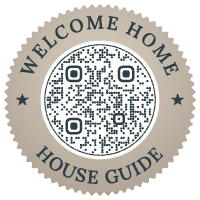
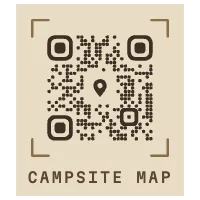
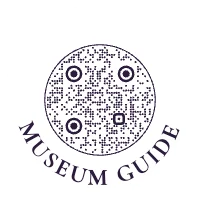
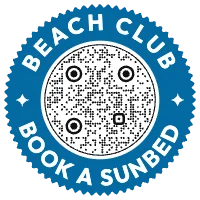

Shops & payments
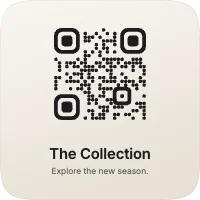
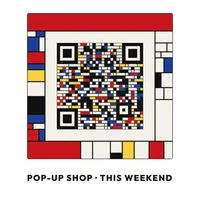
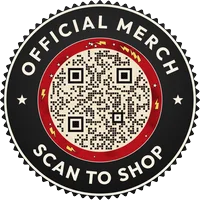
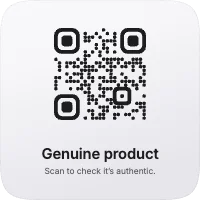
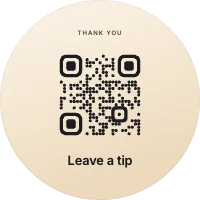
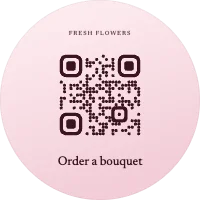
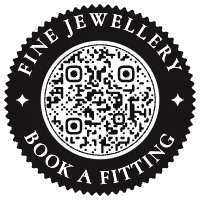
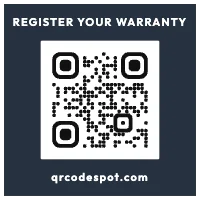
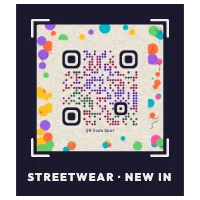
Events & music
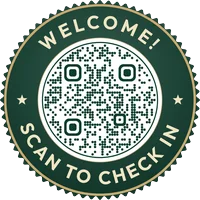
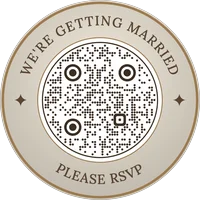
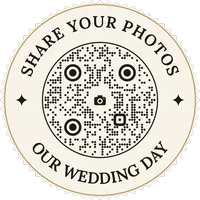
Services

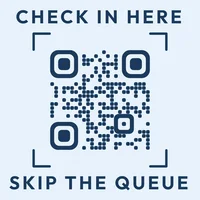
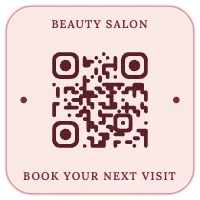
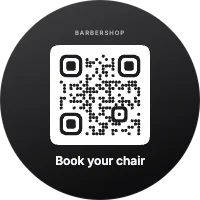
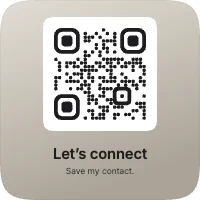
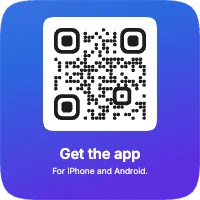
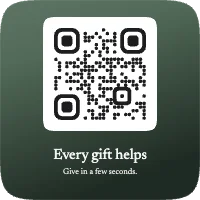

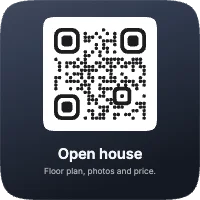
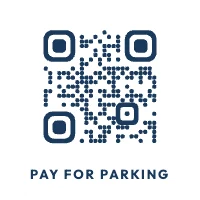
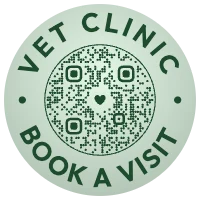
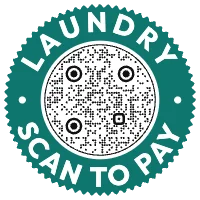

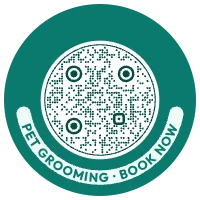
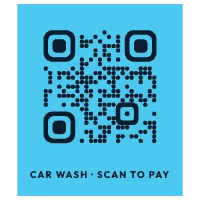
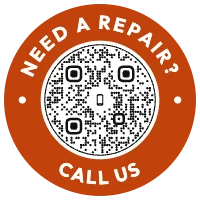


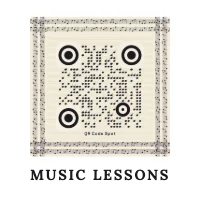

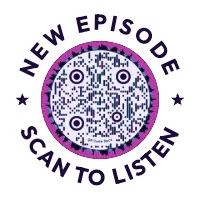

Your own styles, ready for every new code
Made a design that fits your brand? Save it under My styles in QR Studio. It's kept in your account, so it's on every device, and New code starts a fresh code in that style: type the address, save, done. Use it on a code you've already made to give it the same look.
- 3 styles on the Free plan, 10 on every paid plan.
- Everything but the address: shape, look, words, fonts, colours, logo and effects.
- Codes keep their own design. Changing a style later never changes codes you've already printed.
Questions
Are the QR code templates free?
Yes. Anyone can open a template in QR Studio and change it. The Standard and Minimal looks download free with an account; free downloads carry a small QR Code Spot badge under the design. The Badge look, gradients and logos download with a paid plan, which also removes the badge.
Can I change a template?
Every part of it: the words, the fonts, the colours, the shape and the logo. A template is only a starting point. The live scan test checks the code as you change it, and stops a download if it wouldn't scan.
Can I save my own style?
Yes. Once you've made a design you like, save it under My styles in QR Studio. It's kept in your account, so it's there on any device, and you can make a new code in that style in one tap. The Free plan keeps 3 styles and every paid plan 10. Changing a style later never changes codes you've already made.
Will the code still scan with a design?
QR Studio keeps the code itself clear of the words and the decoration, checks the contrast, and reads the finished design with a real QR code reader before you can download it. Scan your own printed copy before you print many.
Can I change where the code goes after printing?
Yes, if you save it as an editable code: it then holds a short link that you can point somewhere else at any time, with scan counts. The Free plan includes 10 editable codes.