What's inside our QR code engine, and what it checks before you print
Every code on QR Code Spot and QR Never Expires comes out of the same engine. This is how it works: where a code points, how it chooses its error correction, and what it checks before it lets you download a design. Where we can, we show you how to check it yourself.
A QR code looks like a solved problem. The standard is decades old and free to use, and any library can turn a link into black and white squares. The hard part is everything around the squares: what the code actually holds, whether it still scans once you've added colours and a logo, and whether it keeps working after it has been printed on a thousand menus. Those are the decisions this post is about.
1. Where the code points
The most important decision isn't visual at all. A QR code can hold your content directly, or it can hold a short link on someone's server that forwards people to your content. Many generators give you the second kind by default, because it lets them count scans and change the destination. It also means the code only works for as long as that server agrees to forward it. When a trial ends or a subscription lapses, the printed code still scans, but it lands on an upgrade page instead of your menu.
Above: a code that relies on a service's short link. Below: a static code. Nothing sits in between.
Our engine makes two kinds of code, and is explicit about which one you're getting:
- Static codes store the content itself: the web address, the Wi-Fi details, the contact card. Scanning one never contacts our site, so there is nothing for us, or anyone else, to switch off. Both sites make them free, with no account, and that's all QR Never Expires makes.
- Editable codes hold a short
qrsx.netlink, because that's the only way to change a destination after printing or count scans. On the Pro and Scale plans the link can use your own subdomain instead, likego.yourcafe.com, and every code still opens onqrsx.netas well. Our answer to the risk above is a written promise rather than a technical trick: editable codes keep working whatever your plan, with no scan limit, and are never paused or put behind a paywall. The details, including what happens if QR Code Spot ever closes, are in our guarantee.
Check it yourself: point your phone's camera at any code and read the address it previews before you tap. Or give the code, a photo of it or a screenshot to the QR Never Expires checker, which tells you whether it holds the content directly or depends on a short link service.
2. Fewer, bigger squares
A QR code grows with what it holds. Both codes below open a web page; the left one stores a long address with tracking parameters, the right one a short link. The engine reports the size of every code as you make it, because it decides how small you can print it and how far away it will scan.
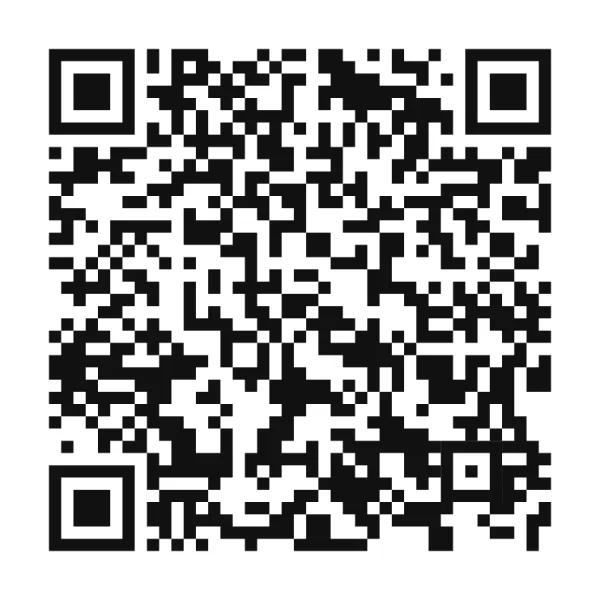
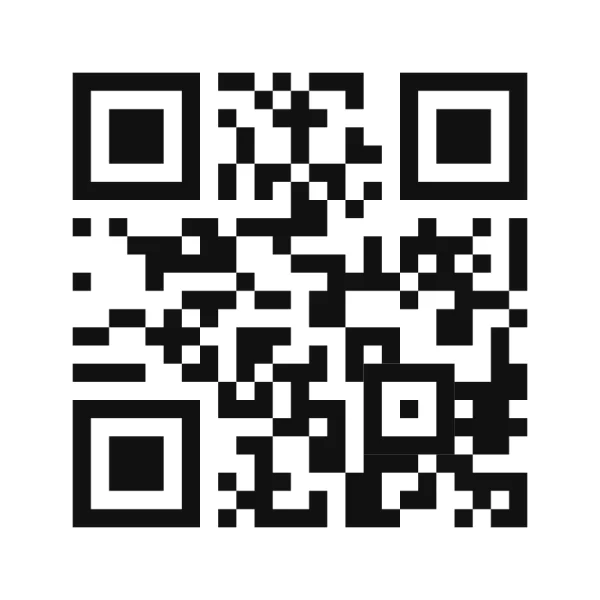
That's also a tip for static codes: drop the tracking parameters you don't need, and the code gets simpler, scans faster and can be printed smaller.
Capital letters help too. QR codes have a compact mode for capitals, digits and a few symbols, so HTTPS://QRSX.NET/K7M2XQ takes less room in the code than the same link in lower case, and opens the same page. Photo QR and Thun'du Kunaa QR store their short links this way, which leaves more of the code free for the picture.
3. Error correction, chosen per design
QR codes carry spare data so they can be read even when part of the code is damaged or covered. The standard offers four levels, from about 7% to about 30% of the code being recoverable. More isn't always better: a higher level makes the code denser, with smaller squares.
- A plain code uses level M (about 15%), which keeps the squares as large as possible.
- As soon as a logo or icon sits in the middle, or the code is round, the engine switches to level H (about 30%), because the logo covers part of the code.
- The logo doesn't just get a square hole. The engine clears the squares around the logo's actual outline, with a little space, so a round or heart-shaped logo takes away as few squares as possible.
- Every code keeps a quiet zone of 4 squares around it, the margin the standard asks for. Without it, many phones can't find the code.
4. The scan check: nothing downloads untested
Most broken QR codes aren't broken by the standard. They're broken by design choices: pale colours, a light code on a dark background, a logo that's too big. So before you download, the engine tests the design the way a phone would.
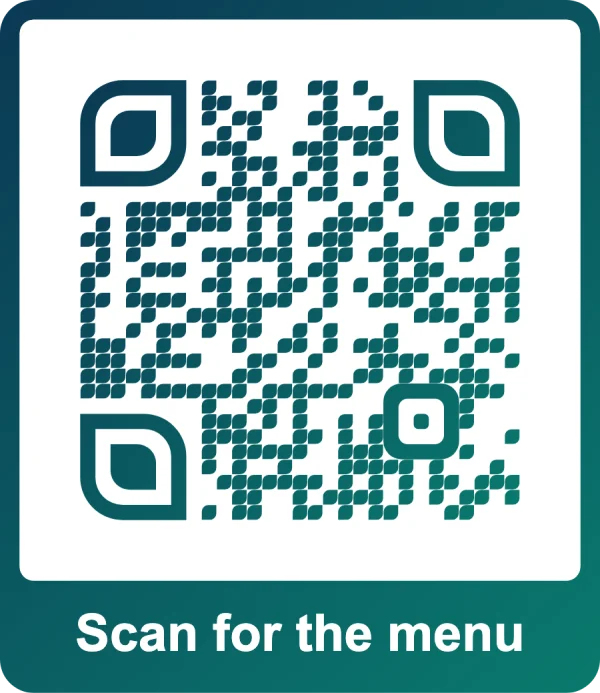
- Colours checked for contrast
- Drawn at camera-like sizes
- Read by two independent decoders
- Matched character for character
- Safe to download
- Colours first. The engine measures the contrast between the code and its background. Below 2.5 : 1 the design is blocked, because it simply won't scan. Below 4 : 1 you get a warning about dim light. A light code on a dark background, or a transparent background, gets a warning too: some phones can't read the first, and the second depends on what you print it on.
- Then a real decode. The design is drawn at a few sizes, like a camera would see it, and read by two separate open-source decoders: jsQR, and ZXing, which many scanner apps are built on.
- The content has to match exactly. A code that scans to the wrong text fails, too.
- When it fails, you get a reason and a fix: a smaller logo, plainer dots, more contrast, or no gradient.
An honest limit: our decoders are deliberately stricter than most phone cameras, but no software check covers every phone, lens and lighting. For anything you print in quantity, print one copy first and scan it from the distance people will.
5. Design freedom, without breaking the scan
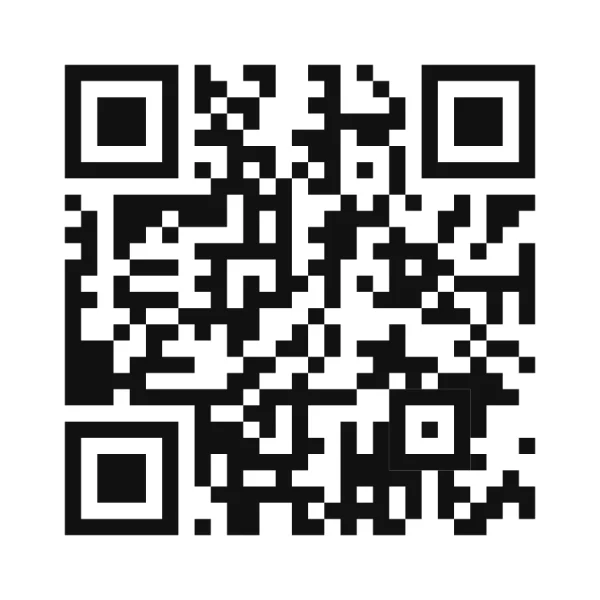
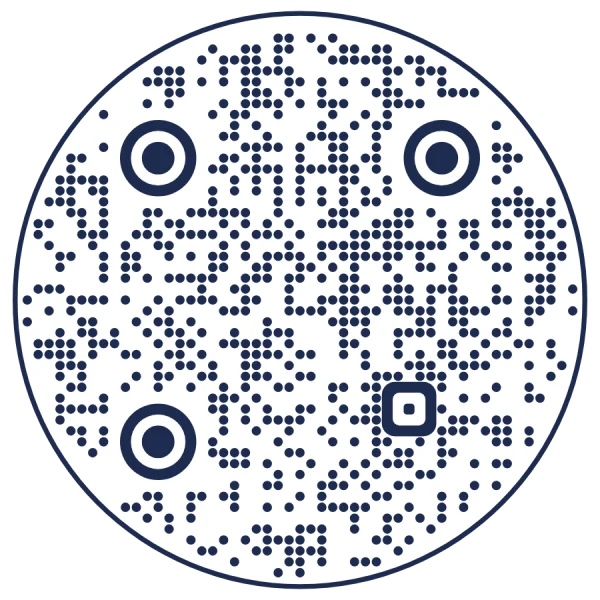
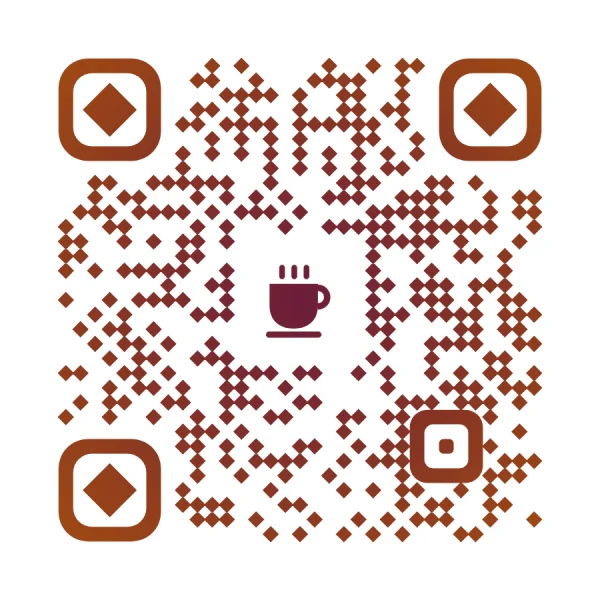
Because every design goes through the same check, the engine can afford to be generous with styles: dot shapes, corner shapes, gradients, frames with a call to action, round codes, logos and icons. Every code below was made by the engine for the same address, and every one passed its scan check.
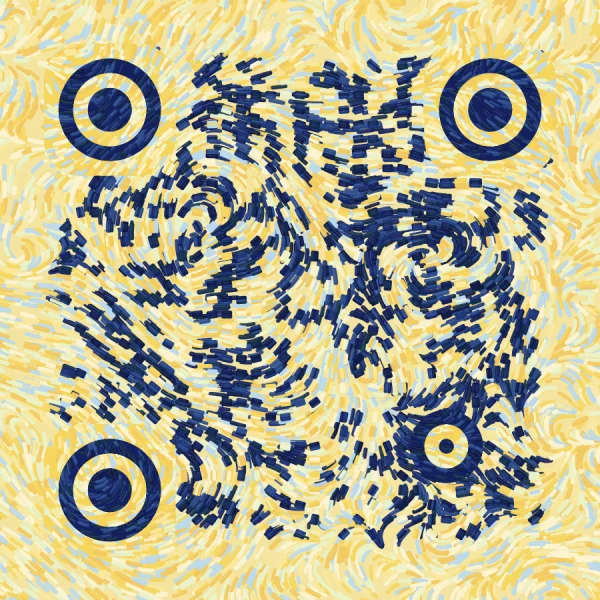
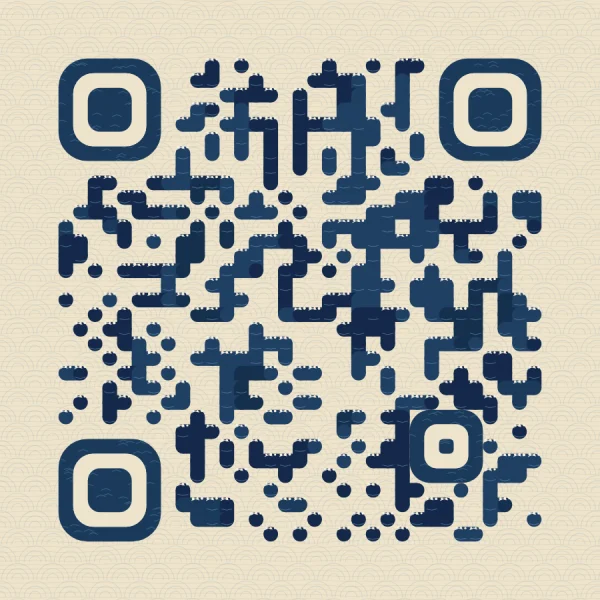
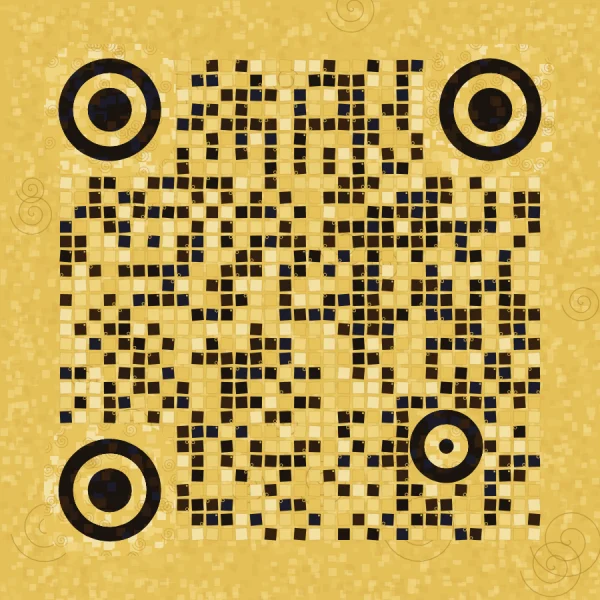
QR Studio's template library and the styles you save in your account start from the same engine, so a template is just a starting point: change any of it and the scan check runs again.
The art styles in QR Studio work differently from AI-generated “art QR codes”. No image model and no real paintings are involved: every brushstroke is drawn by code from a seed. Phones read each square from roughly its centre, so the engine paints a solid mark in the style over the centre of every square, keeps the corner squares whole, always uses error correction H, and then decodes the result with the same phone-like tests.
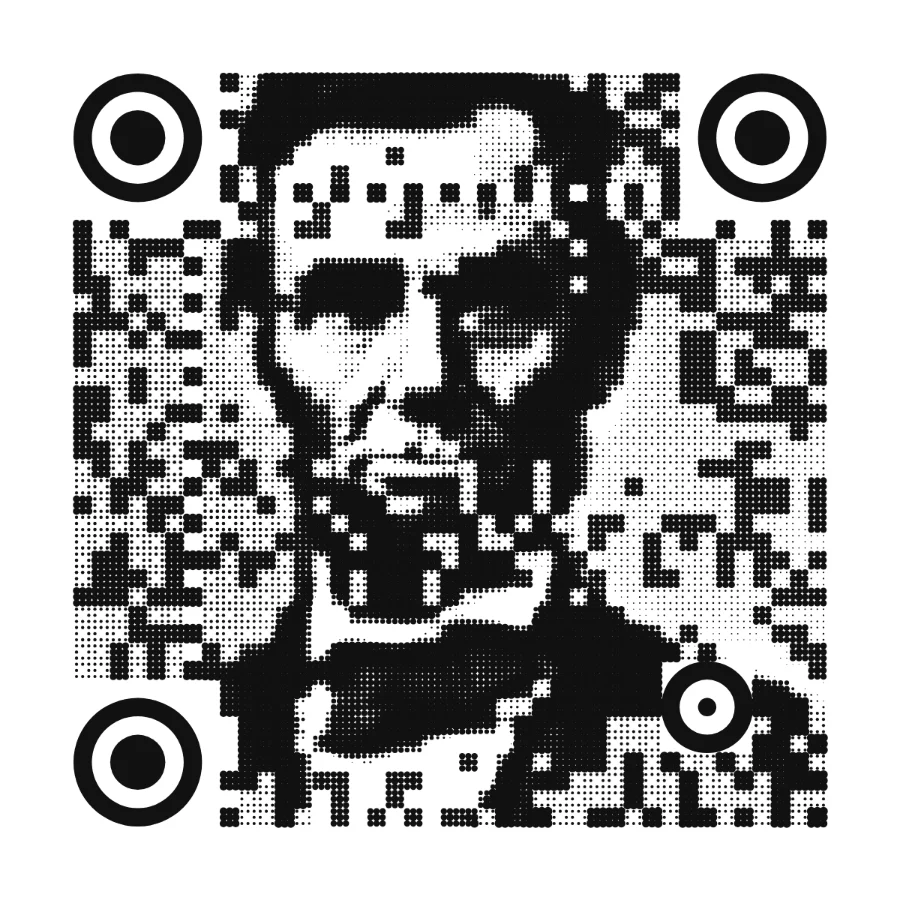
Photo QR, in QR Labs, goes further and builds a real photograph into the code. It stands on published work: the halftone QR method of Chu et al. (2013), and Russ Cox's “QArt” technique (2012), which chooses the filler data that scanners never read so it matches the picture, without spending any error correction. On top of that it keeps faces clear of the fixed squares, lets you draw the picture as dots, lines or pop colours, and keeps download off until the code passes all 8 of its scan tests. We wrote about it in detail in why most art QR codes fail in print.
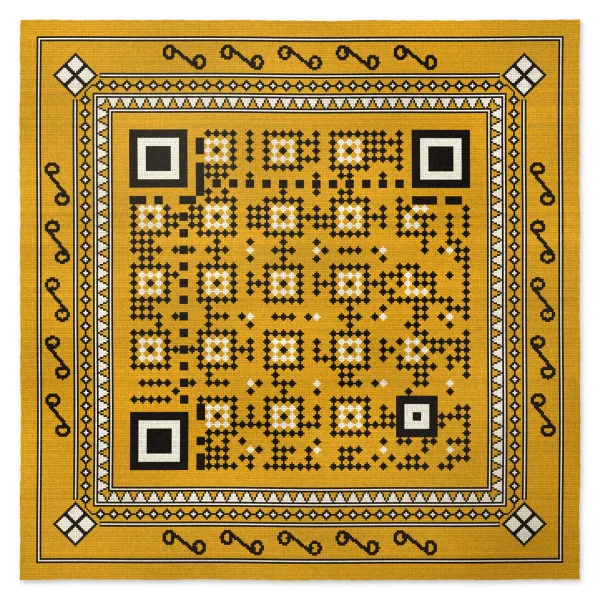
Thun'du Kunaa QR, the newest tool in QR Labs, uses the same bit solving for a different picture: the code is woven like a Thun'du Kunaa, the mats woven by hand from grass in the Maldives. The mat's pattern is laid out on the code's own squares, each square is woven as a diamond, and the frame takes its bands from real mats. Before download, every picture is read in the same 8 phone-like tests and once more as a whole.
6. Content that apps actually understand
A code can scan perfectly and still fail if the text inside it isn't in the format the app expects. One file builds the content of every kind of code, and both sites use that same file, so a code is identical wherever you make it.
- Payment codes follow their official formats: a Pix code ends with the CRC16 checksum the Brazilian format requires, and a SEPA transfer code checks the IBAN's own check digits before it makes a code, so a typo is caught on screen, not at the bank.
- Any language. Text is encoded as UTF-8, so Wi-Fi names, contact cards and notes keep their accents and scripts.
- Automated tests. 57 test codes, from Wi-Fi to payments, are each encoded at all four error correction levels, read back by a decoder, and must come back character for character, including German, Greek, Cyrillic, Arabic, Chinese and emoji.
7. Files that survive the print shop
- Vector files (SVG, PDF and EPS) stay sharp at any size.
- A print PDF in CMYK, with 3 mm bleed and crop marks, for professional printers.
- A print size you can trust. The engine suggests the smallest sensible width for each design, never below 2.5 cm (3 cm with frame text), and more for styled or dense codes. Tell it how far away people will scan from, and it sizes for that too: roughly a tenth of the distance for a typical code.
8. Private by design
The engine runs in your browser. When you make a static code, its content, such as a Wi-Fi password or a contact card, never leaves the page. Bulk codes from a spreadsheet are made in the browser too, and the list is never uploaded. For editable codes, we count scans, not people: we don't record who scanned or their IP address.
9. One engine, everywhere
The same engine draws the codes on QR Never Expires and QR Code Spot, so a design moves between them unchanged. It draws QR Studio's badges, templates and art codes, Photo QR and Thun'du Kunaa QR, the cards for Verified Photo Pass and the tickets in SealTicket. A fix or a new check in one place reaches every product at once.
What the engine doesn't do
- Static codes can't be changed or counted. That's the price of not depending on anyone. If you need either, use an editable code.
- Art and photo codes need room. They're for posters, cards and packaging, not tiny labels, and they need decent print contrast.
- The scan check isn't a lab test of every phone. It catches the common failures; a test print catches the rest.
- QR Labs tools are in beta. Photo QR, Thun'du Kunaa QR, Verified Photo Pass and SealTicket are still changing as people use them.
If you're weighing up generators, our comparison pages set out the differences feature by feature. Or try the engine yourself: make a code, change its colours until the check complains, and see what it suggests. Questions or something you'd like explained next? Write to support@qrcodespot.com.
More from the blog
Make a code you can trust in print
Free static codes with no account, scan-checked before every download.